How to Turn Off Google AI Overviews: 5 Methods That Actually Work (2026)
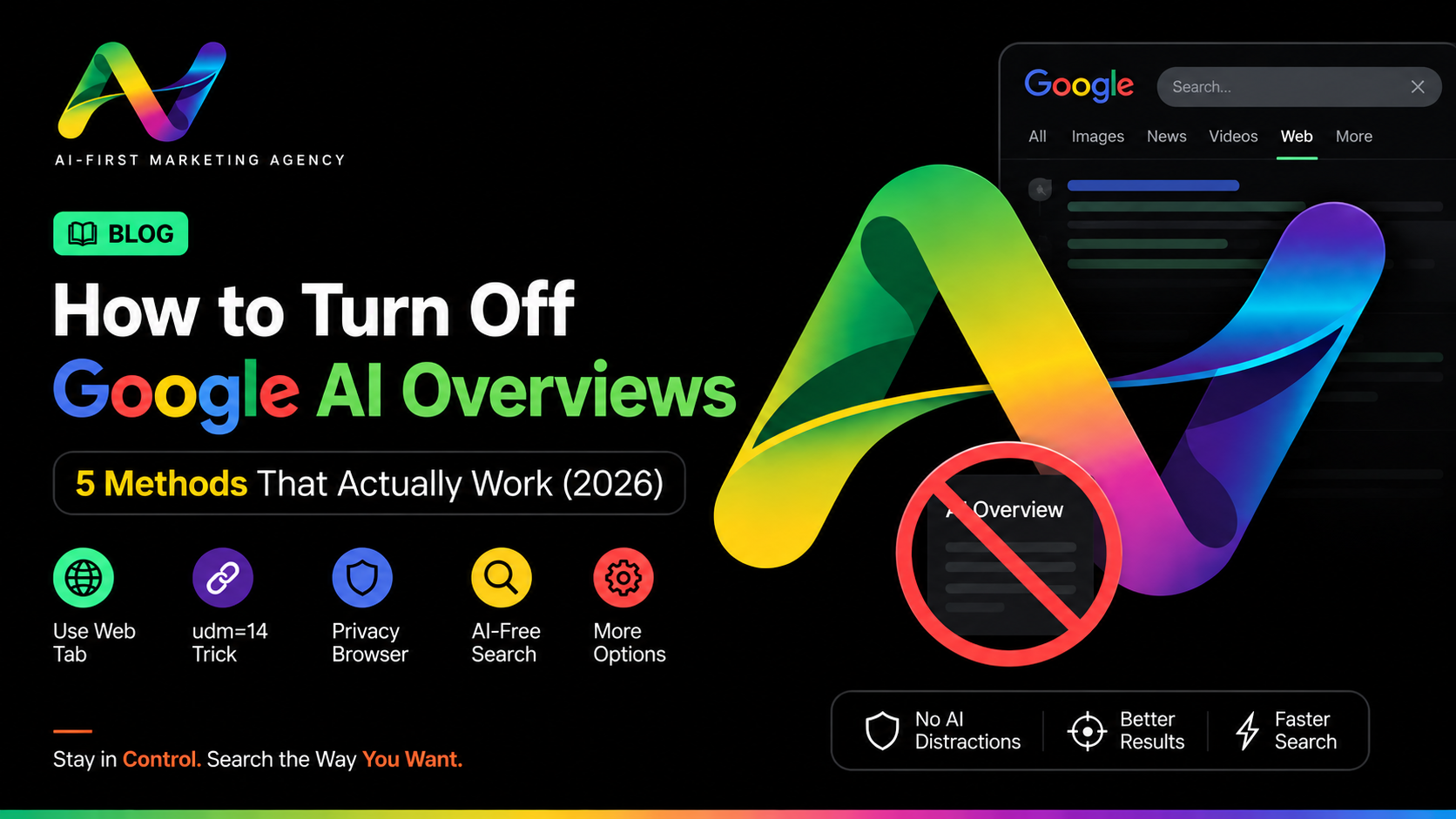
Every few months, the same question trends again: is Google shutting down its classic search engine? Short answer — no. What's actually happening is different and, for most people, more annoying: Google hasn't removed traditional search, it has just buried it under AI Overviews and a growing AI Mode tab, with no simple settings switch to turn either one off.
AdsVerse — AI-first agency, Vijay Nagar Indore, founded 2023 — tracks exactly this kind of AI-search behaviour for clients who need to know where their business shows up once Google's answer box, not the blue links, is what most people see first. Here's what genuinely works in 2026, and what stopped working months ago but still gets recommended online.
google.com/search?q=%s&udm=14 as your default search engine (permanent, works in Chrome, Firefox, and Edge).Is Google Really Shutting Down Traditional Search?
No — and this is worth being clear about before anything else. Google has given no indication of retiring classic search; if anything, it's investing further into AI, expanding Search Live and deepening Gemini integration through 2026. AI Mode graduated out of Search Labs this year and became part of the default experience for most accounts. What's true is that AI Overviews and AI Mode now sit in front of the traditional results for a growing share of queries, and unlike most Google features, there's no dedicated on/off switch for either one. That's the real story — not a shutdown, a takeover of the front page.
What's the Fastest Way to Remove AI Overviews From a Search?
Click the Web tab that appears in the filter row below the search box (next to All, Images, News, Videos). Google's own Search Help documentation lists this as the sanctioned way to see text-only links without AI Overviews or other rich modules — it isn't a workaround someone reverse-engineered, Google built it on purpose.
- Run your search on Google as usual.
- Look below the search bar for the filter row and tap or click Web.
- Results reload as plain links with no AI Overview, shopping carousel, or knowledge panel.
The catch: it resets on your next search. You have to click it again, every single time.
How Do I Make the Web Filter Permanent With udm=14?
This is the closest thing to a real fix on desktop. Adding &udm=14 to any Google search URL forces the same AI-free Web view — and you can set it as your default search engine so every address-bar search lands there automatically.
- Open your browser's search engine settings (in Chrome:
chrome://settings/searchEngines). - Add a new search engine using the URL
https://www.google.com/search?q=%s&udm=14. - Set it as default. Every search you type in the address bar now skips straight to Web-only results.
One trade-off: the Web filter strips more than just AI — shopping results, knowledge panels, and most local map packs disappear too. Keep a normal Google tab handy for "restaurants near me" type searches.
Does the Google Labs Toggle Still Turn Off AI Overviews?
For most accounts, no — and this is the one place outdated guides keep misleading people. Google offered an opt-out toggle inside Search Labs when AI Overviews first rolled out in 2024. Through 2026, that toggle has been phased out for the majority of users as the feature "graduated" from experiment to permanent fixture; the AI Mode opt-out went the same way. It's still worth a 30-second check at labs.google.com in case your account is an exception, but don't build your workflow around it. If you don't see it, you haven't lost anything — the Web tab and udm=14 work regardless of what Labs shows you.
Which Chrome Extensions Block Google AI Overviews?
Extensions such as "Hide Google AI Overview" and "Bye Bye Google AI" are free on the Chrome Web Store and hide the AI box on the page after it loads. They're a reasonable backup for people who won't remember URL tricks, but they don't change what Google's servers send — they only modify how the page displays in your browser, so they can break whenever Google tweaks its layout.
What Are the Best AI-Free Search Engines to Switch To?
If you'd rather sidestep Google altogether, DuckDuckGo and Brave Search are the two most-cited alternatives — neither runs on Google's AI infrastructure, and both give a traditional results page by default.
| Method | Effort | How long it lasts |
|---|---|---|
| Web tab | One click | Per search only |
| udm=14 default engine | One-time setup | Persistent, desktop |
| Search Labs toggle | Check account | Mostly removed in 2026 |
| Chrome extension | One install | Until Google changes layout |
| DuckDuckGo / Brave | Switch default engine | Ongoing |
Quick Glossary
- AI Overview
- The AI-generated summary box that appears above normal results, automatically, without you asking for it.
- AI Mode
- A separate, conversational search tab you have to click into or follow a prompt to enter — it doesn't run unless you open it.
- udm=14
- A URL parameter that forces Google's Web-only results view, bypassing AI Overview and AI Mode entry points.
Want to know if your business is even visible inside Google's AI Overviews and AI Mode answers right now?
Get Free GEO Audit →FAQs
- Is Google shutting down its regular search engine?
- No. Google is expanding AI Overviews and AI Mode, not replacing classic search. Traditional web results are still there behind the Web tab or the udm=14 filter — Google just no longer shows them by default for most queries.
- Will Google ever add a permanent "AI off" setting?
- There's no sign of it. Google's own help documentation treats AI Overviews as a core Search feature, not an optional one, so the Web filter and udm=14 remain the most durable workarounds for now.
- Does using the Web tab lower my search quality?
- No — you get the same organic results, just without the AI-generated summary on top. You do lose shopping results, knowledge panels, and most local packs along with it.
- Can a business opt its own website out of AI Overviews?
- Not selectively. A site can block Googlebot, noindex pages, or paywall content, but there's no setting to stay in normal organic results while being excluded from AI Overviews specifically.